What Is Manufacturing Intelligence Software? A Practical Guide for Indian Factories

A practical definition
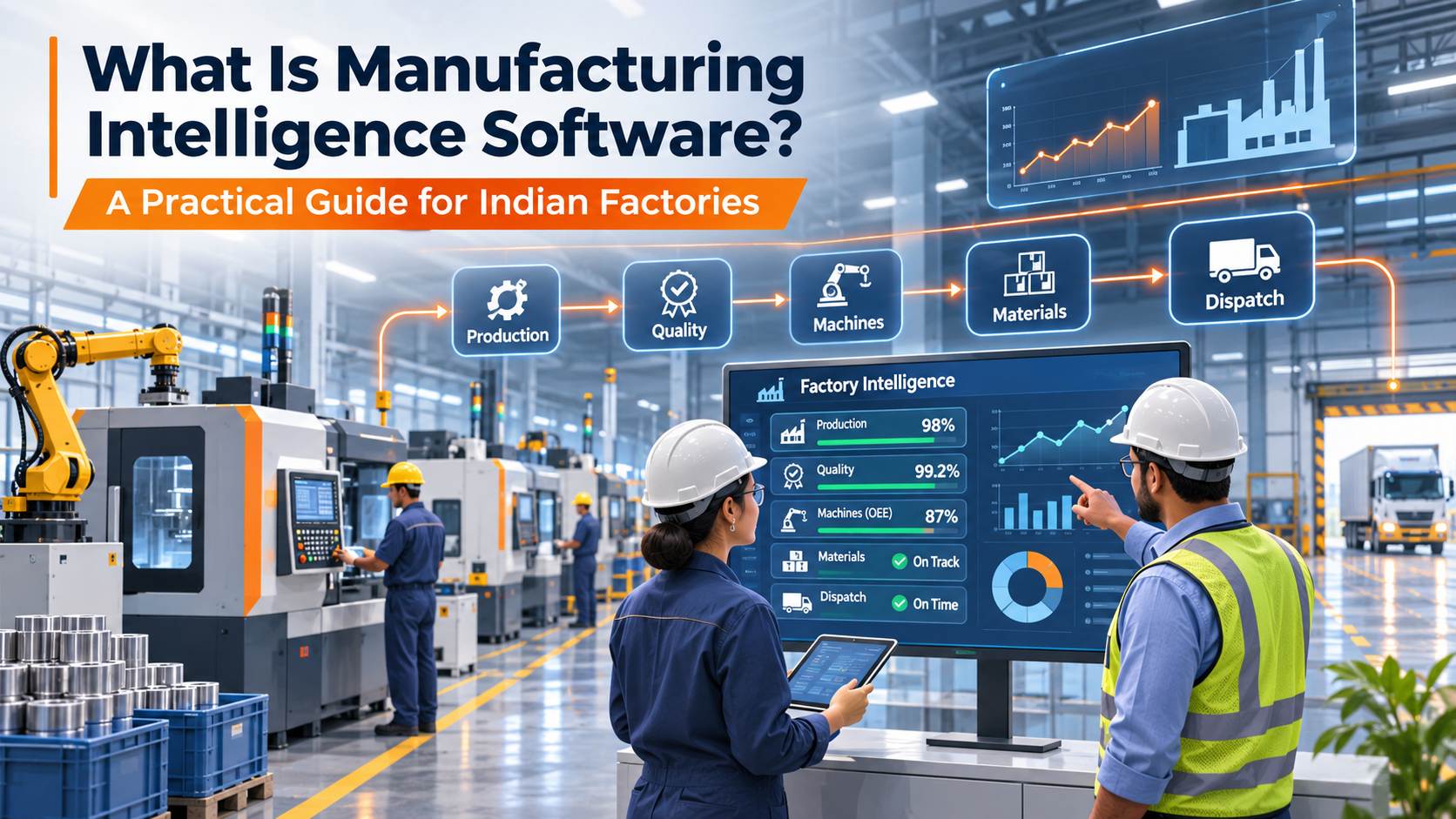
Manufacturing intelligence software connects operational records and signals so a factory can answer what was planned, what actually happened, why the two differ, and what requires action. It is not simply a colourful dashboard. The value comes from linking work orders, materials, machines, employees, quality readings and dispatch records. A manager should be able to trace a missed target back to the machine, shift and recorded cause, rather than asking three departments to reconcile spreadsheets.
Why spreadsheets stop being enough
A spreadsheet can be perfectly suitable for an early-stage workshop. The problem starts when multiple people edit different versions or when production, quality and stores record the same job under different names. For example, a supervisor may report 8,000 pieces produced while QC records 260 rejects and dispatch records 7,500 packed pieces. The numbers can all be correct, but without consistent definitions the team cannot reconcile work in progress. Begin by standardising product codes, work-order identifiers, shifts and the difference between total, good and rejected quantity.
What to connect first
Start with one production line or product family. Map the order, planned quantity, assigned machine, operator, actual quantity, rejected quantity, downtime reason and packing status. Choose the minimum fields required for decisions. Assign an owner for master data and insist that updates are made close to the event. Only then add sensors, machine data and more sophisticated analytics. A connected system cannot compensate for missing definitions or inaccurate entries.
How to evaluate software
Ask the vendor to demonstrate a real workflow, not isolated screens. Create a sample work order; record two shifts; register downtime; enter an out-of-tolerance QC reading; and trace how the final good quantity reaches packing. Ask which reports are native, which require configuration and which depend on additional devices or integrations. Verify user roles, data export, offline behaviour, deployment model and implementation support before selecting a subscription.
Practical implementation checklist
Create a common dictionary for planned, actual, good, rejected and packed quantity.
Assign ownership of each master-data field rather than letting departments create duplicates.
Provide role-specific screens: the operator needs rapid entry; the plant head needs drill-downs and exceptions.
Confirm ownership of data fields, review responsibility and escalation paths.
Test the process on a pilot line before extending it across the plant.
What to track after implementation
Monitor the data-quality measures that make manufacturing intelligence software useful: completion of required fields, consistency across shifts, time taken to correct errors and the number of unresolved operational exceptions. Compare a baseline period and follow-up periods using stable definitions. Improved reporting can support better decisions, but it is not proof of a financial saving until outcomes are measured.
How Poldu can fit into the workflow
Poldu is positioned as a manufacturing intelligence platform connecting production, work orders, machines, materials, quality and related records. For this topic, ask for a demonstration of Poldu platform/work orders/QC/inventory using a sample workflow from your own factory. Confirm exact module availability, configuration requirements, user access, and any compatible hardware or paid integrations before describing a function as active.
Frequently asked questions
Is manufacturing intelligence the same as ERP?
Not necessarily. ERP often emphasises enterprise planning and transactions, while manufacturing intelligence focuses on operational visibility and decisions. Products can overlap; evaluate the real workflow.
Does a small factory need sensors first?
No. Standardised work orders and accurate manual entries often provide a useful starting point.
Featured image suggestion
Original factory-floor photo or clean workflow diagram illustrating manufacturing intelligence software; no fabricated real customer deployment.